Inside Edge Timing · Race Timer

Lap splits and finish-order recording for real event pressure.

Race Timer is built for the practical manual timing situations many clubs still rely on: prepare the event and start list, follow one athlete's race laps, capture each finisher, assign athlete details, then save or share the complete result.

Race mode

From setup to lap splits and an assigned finish order.

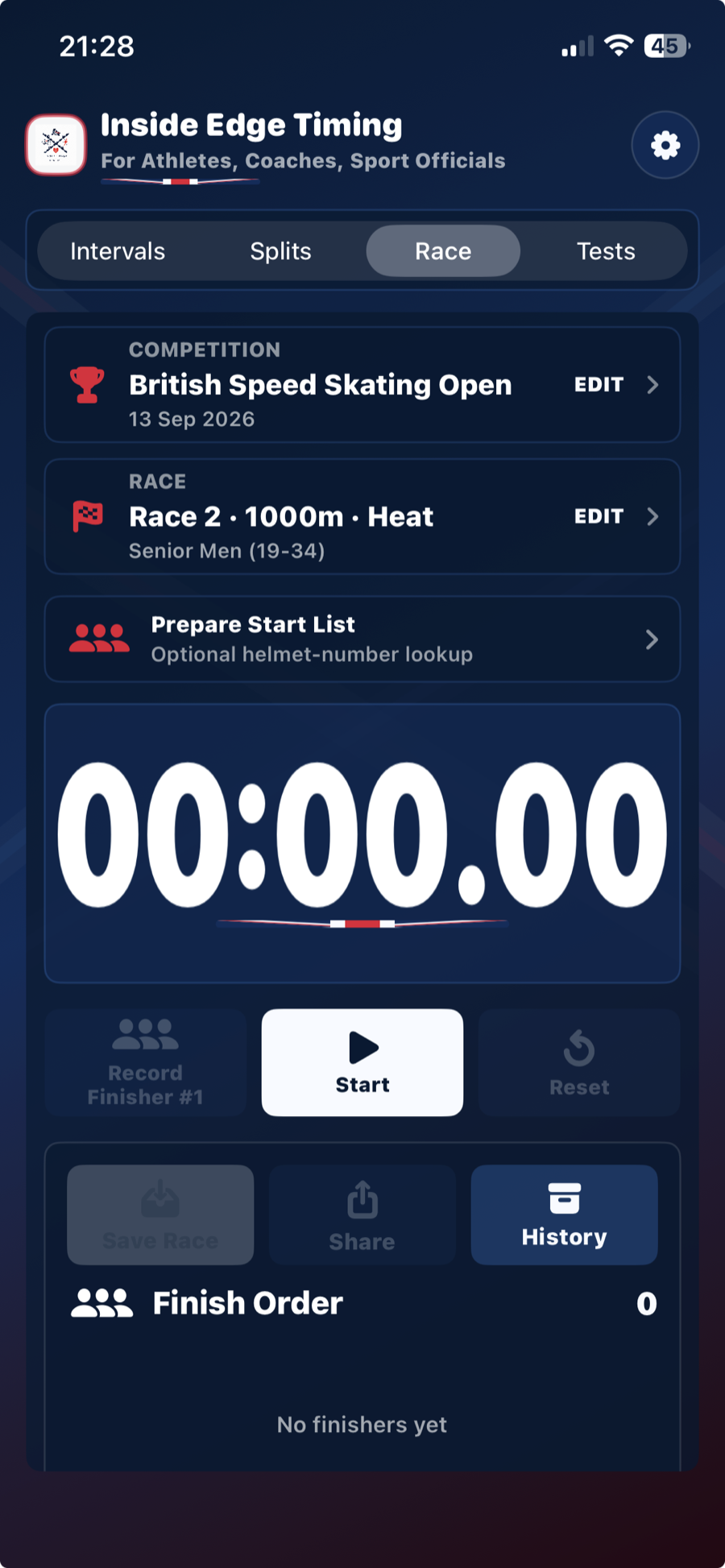
Race Timer ready screen showing competition and race summary cards
Race setupConfirm competition, date, race number, distance, round and category.
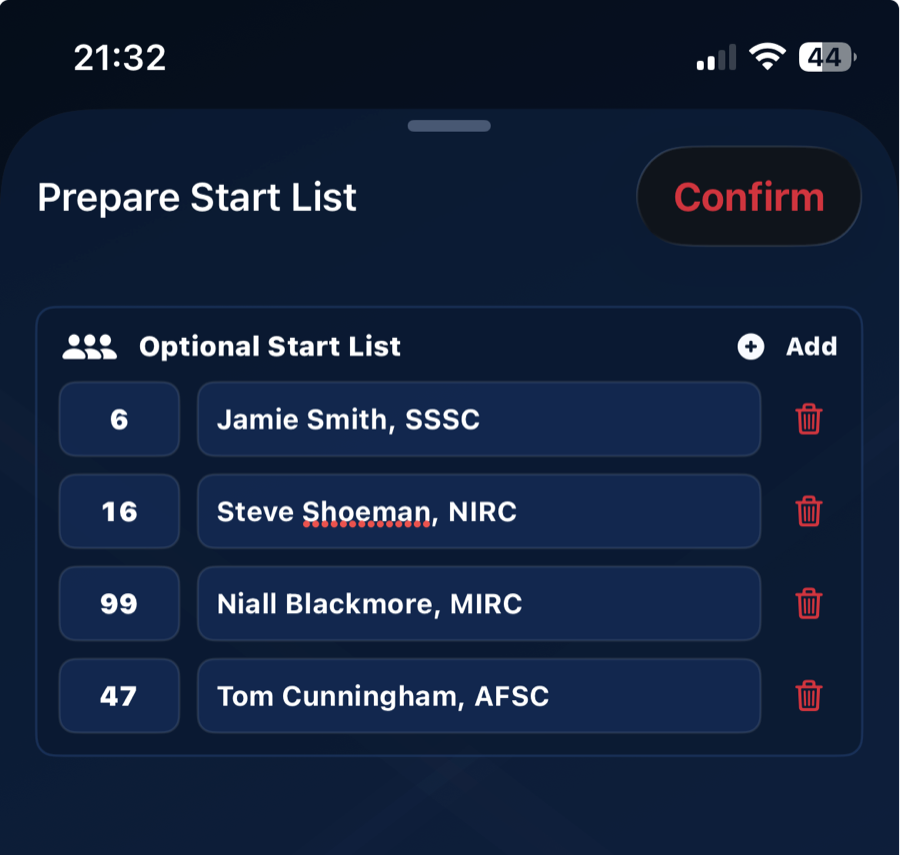
Prepare Start List screen showing helmet numbers and athletes
Prepare the start listAdd expected entrants and helmet numbers before the race.
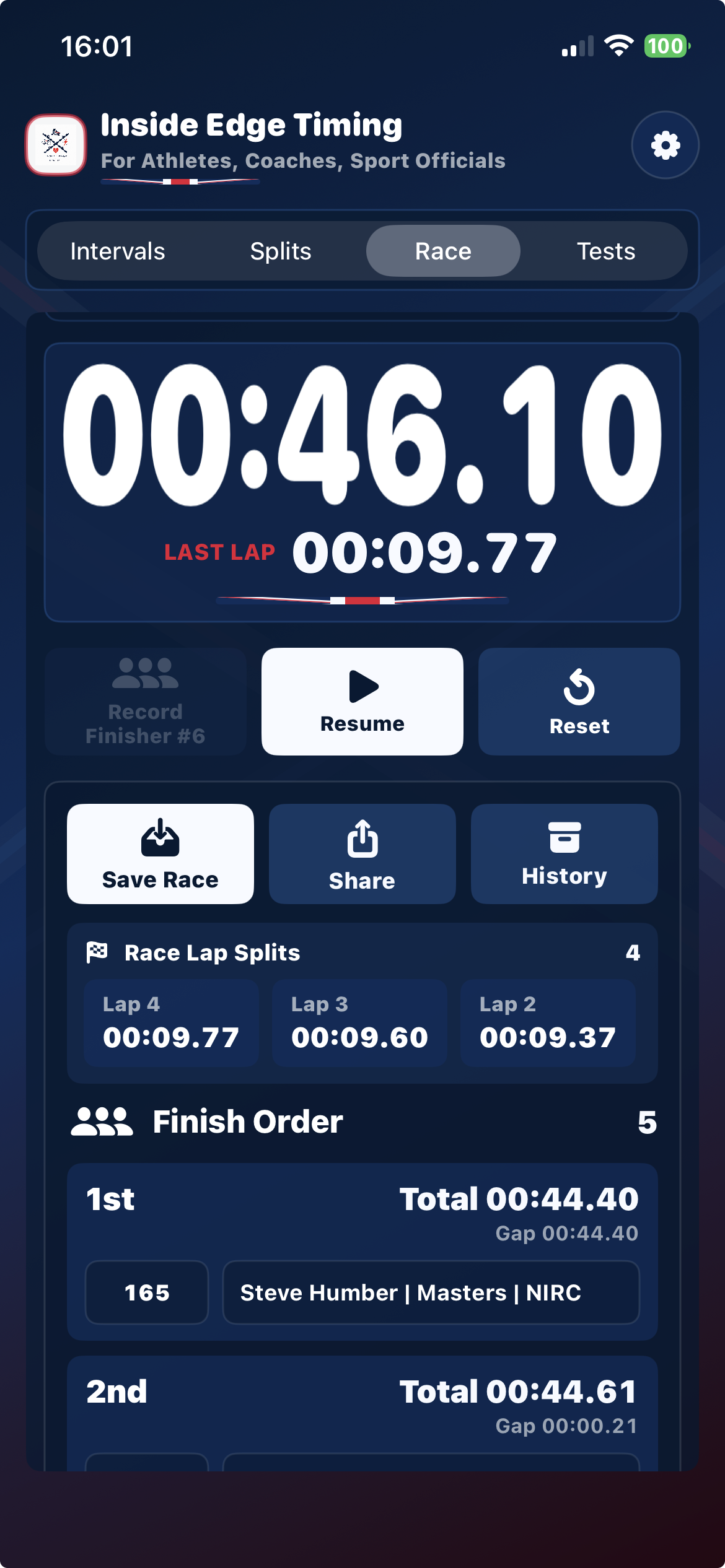
Live Race Timer showing latest lap, race lap splits, finish order, times and gaps
Capture laps and the finishTrack one athlete's laps while independently recording every finisher.
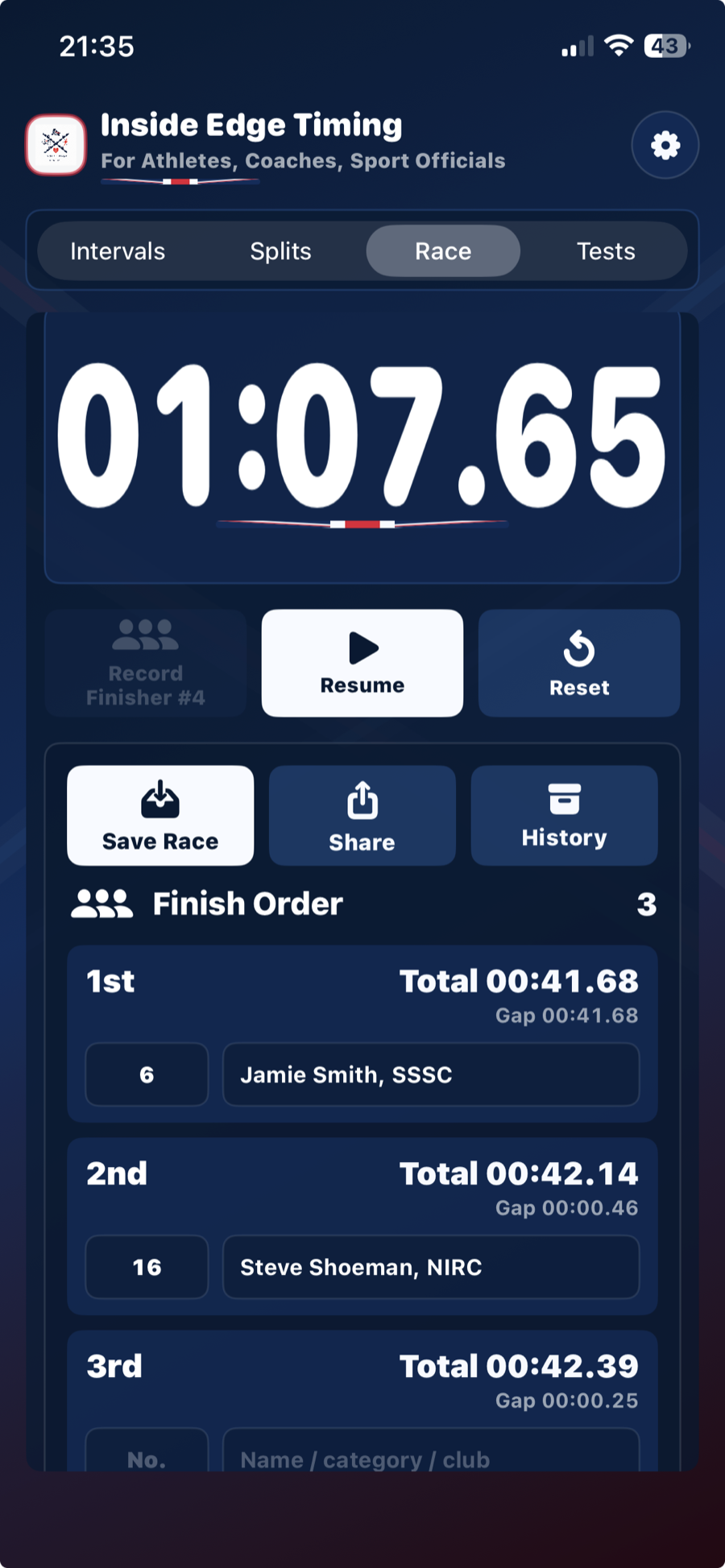
Race Timer showing assigned finishing positions
Assign and reviewMatch entrants to positions without changing order or times.
Inside Edge Timing live Race mode showing lap splits and finish order

Prepare and record the race

Follow the laps and capture the line under pressure.

Identify the competition and date, then set race number, distance, round and category through clear summary tiles. An optional start list can be prepared before the clock begins. During the race, record lap splits for the athlete you are following while finish capture remains independent. The latest lap is visible immediately for a quick rinkside call-out.

Tap Record Finisher at the line and the app preserves order, assigns placings and calculates total time and the gap to the winner. Afterwards, assign prepared entrants to their captured positions or correct details manually.

  • Optional pre-race start list
  • Independent lap and finisher capture
  • Latest race lap visible during timing
  • Assign entrants without losing captured times
Inside Edge Timing assigned Race mode finish order

Save, review and share

Keep the complete race useful after the clock has stopped.

Review the captured lap splits and finish order, then assign the prepared athletes before saving. Races are identified by competition, date, race number, distance, round and category; the app warns before replacing an exact match, then selects the next available race number for the event.

Saved race history and shared results include the lap splits alongside finishing positions, times and gaps. Share one record through iOS or export a wider competition report. No Inside Edge account is required.

  • Preserve race laps with the result
  • Return to local history
  • Share one result or a competition group
  • Keep working without reliable internet

Race-day workflow

Built for the two-minute gap before the next race.

  1. 01

    Prepare the event and race

    Set the competition and date, then identify race number, distance, round and category. Summary tiles keep setup readable and flag event or race-number conflicts before timing begins.

  2. 02

    Build an optional start list

    Pre-populate the race with expected entrants before the start. The cached roster can complete skater details, while manual entry remains available.

  3. 03

    Capture laps and the finish

    Start the expanded race clock, record laps for the athlete you are following and tap Record Finisher as each athlete crosses the line. Afterwards, assign prepared entrants without altering captured order or times.

  4. 04

    Validate, save and move on

    The app warns about blank finishers and matching saved races. Save the laps and result, move to the next available race number, then share one race or export the competition group.

Important timing note: Inside Edge Timing is a coaching, training and event-organisation aid. It is not a certified replacement for approved electronic timing, officiating or official results systems.